
Setup
1. Add Cookie Consent
Prompt the AI Chat in Editor to add a cookie consent element to your screen. Or open the Elements tab on the left, click Add element, then go to All > Cookie Consent.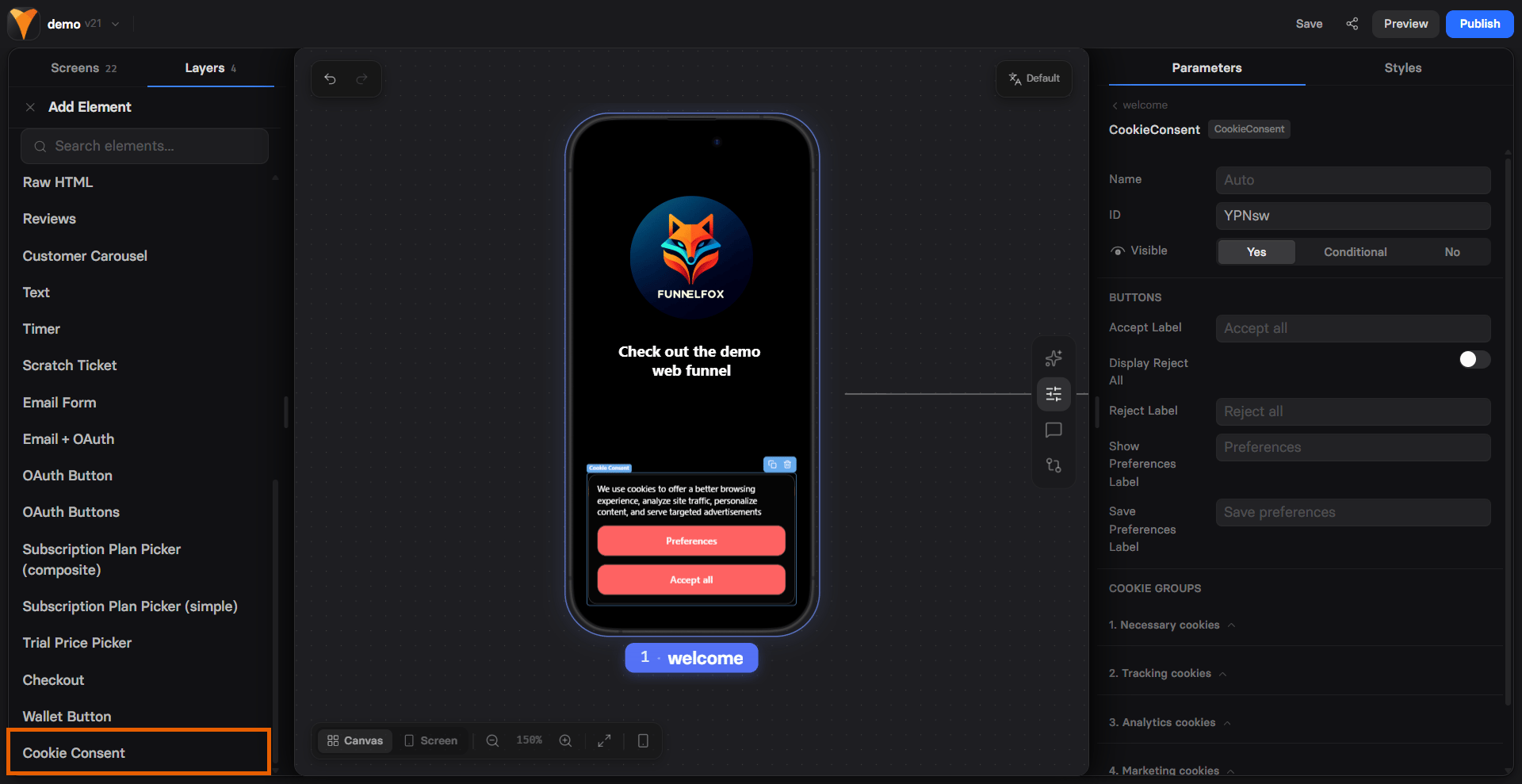
2. Cookie categories
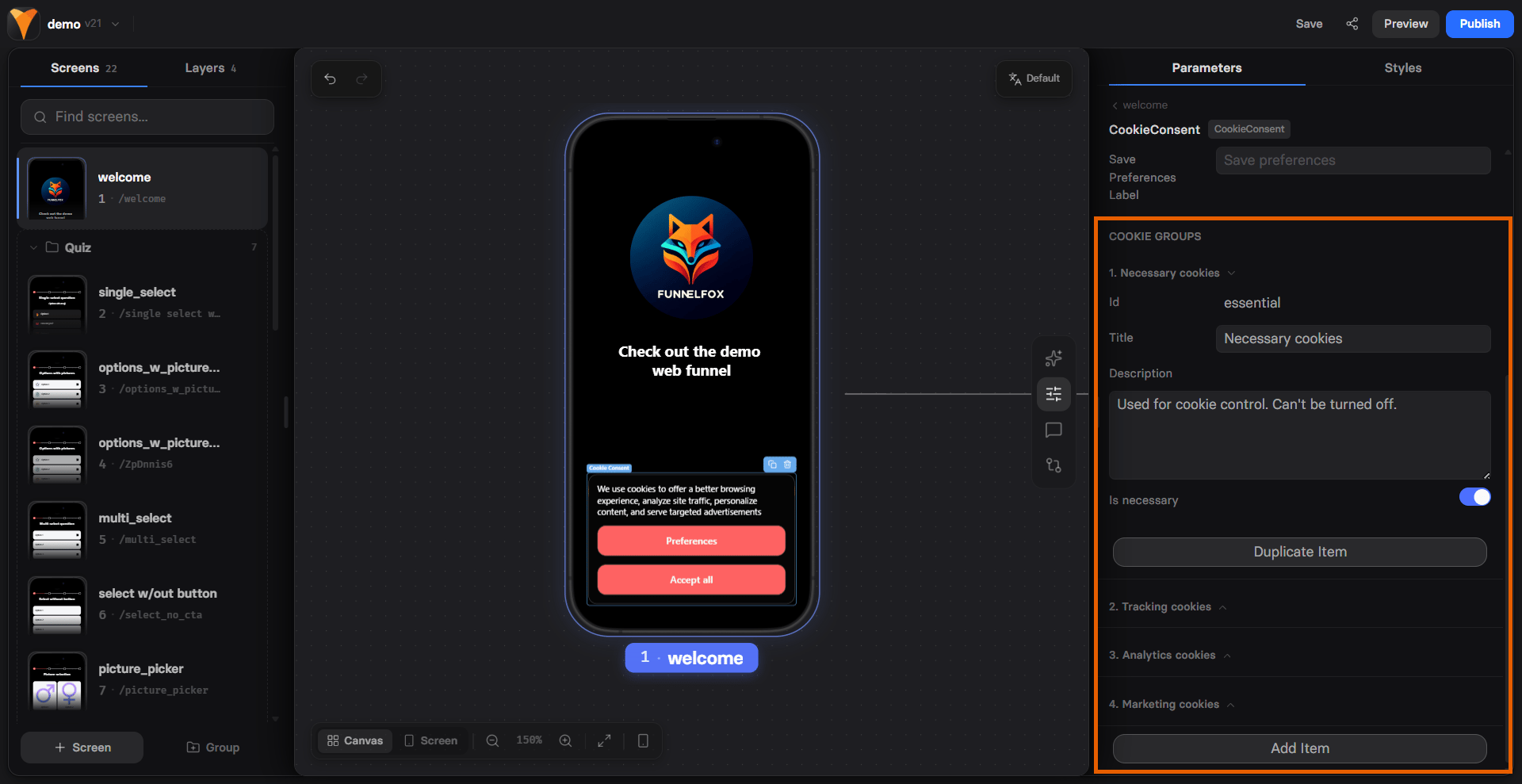
Open Properties in the selector on the right and go to the Parameters tab of your Cookie Consent element. It has three built-in categories of cookies:- Necessary Cookies: Includes FunnelFox cookies and events to the FunnelFox webhooks.
- Analytics Cookies: Includes cookies and events for 3rd party analytics systems (e.g., Google Analytics, Amplitude, Mixpanel)
- Tracking Cookies: Includes marketing and ad-tracking cookies (e.g., ad pixels).
The current Cookie Consent implementation does not integrate with Google services for consent validation.
- Title
- Description
- Necessity (if enabled, users cannot turn this category off)
3. Cookie consent styles
In Properties > Styles, configure the appearance of your Cookie Consent element. The chosen style applies to all consent views.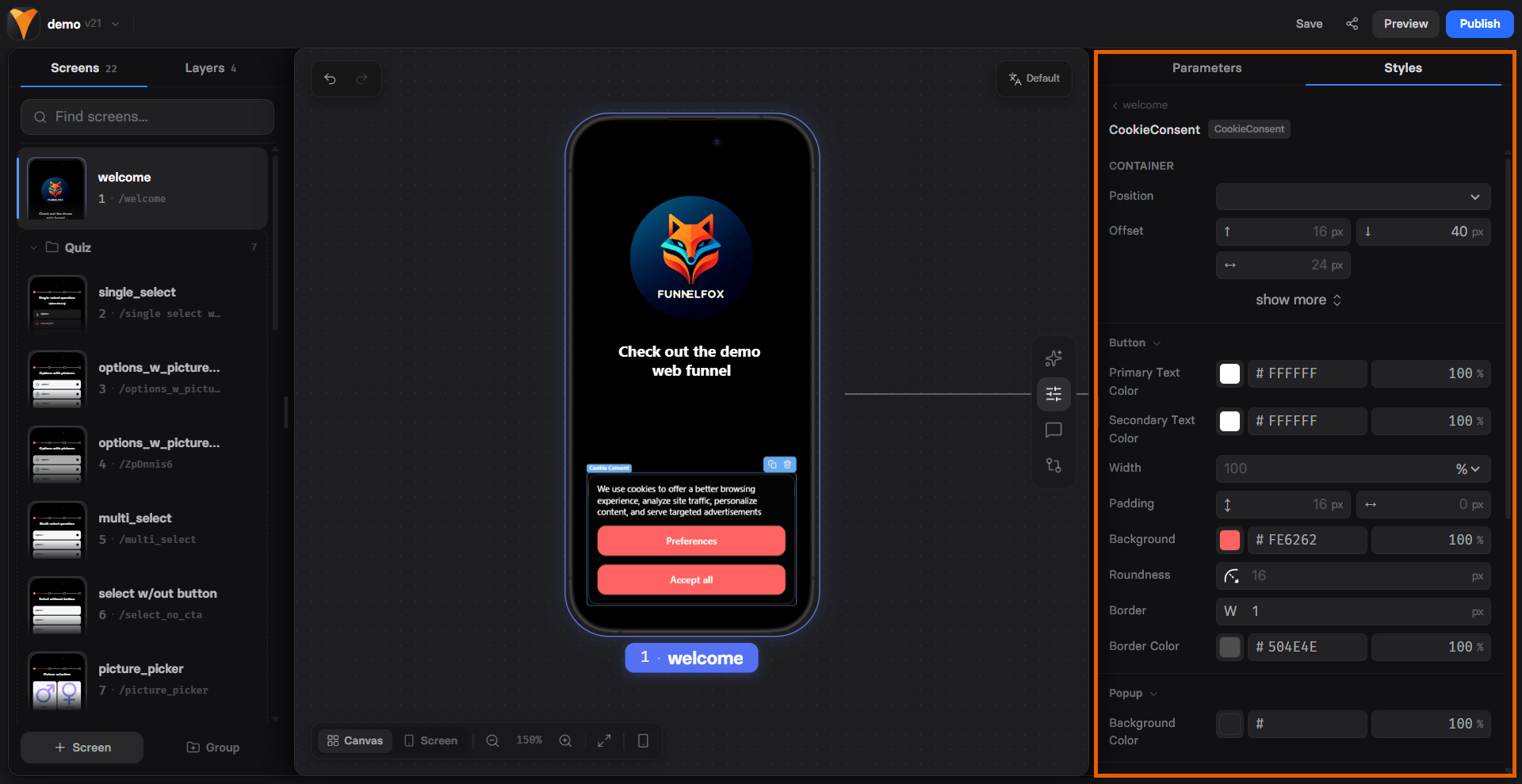
4. Preview
There are two views for Сookie Сonsent:- Consent view: can be previewed directly in the builder.
- Configuring cookies pop-up: open Preview for the screen to view this state.