
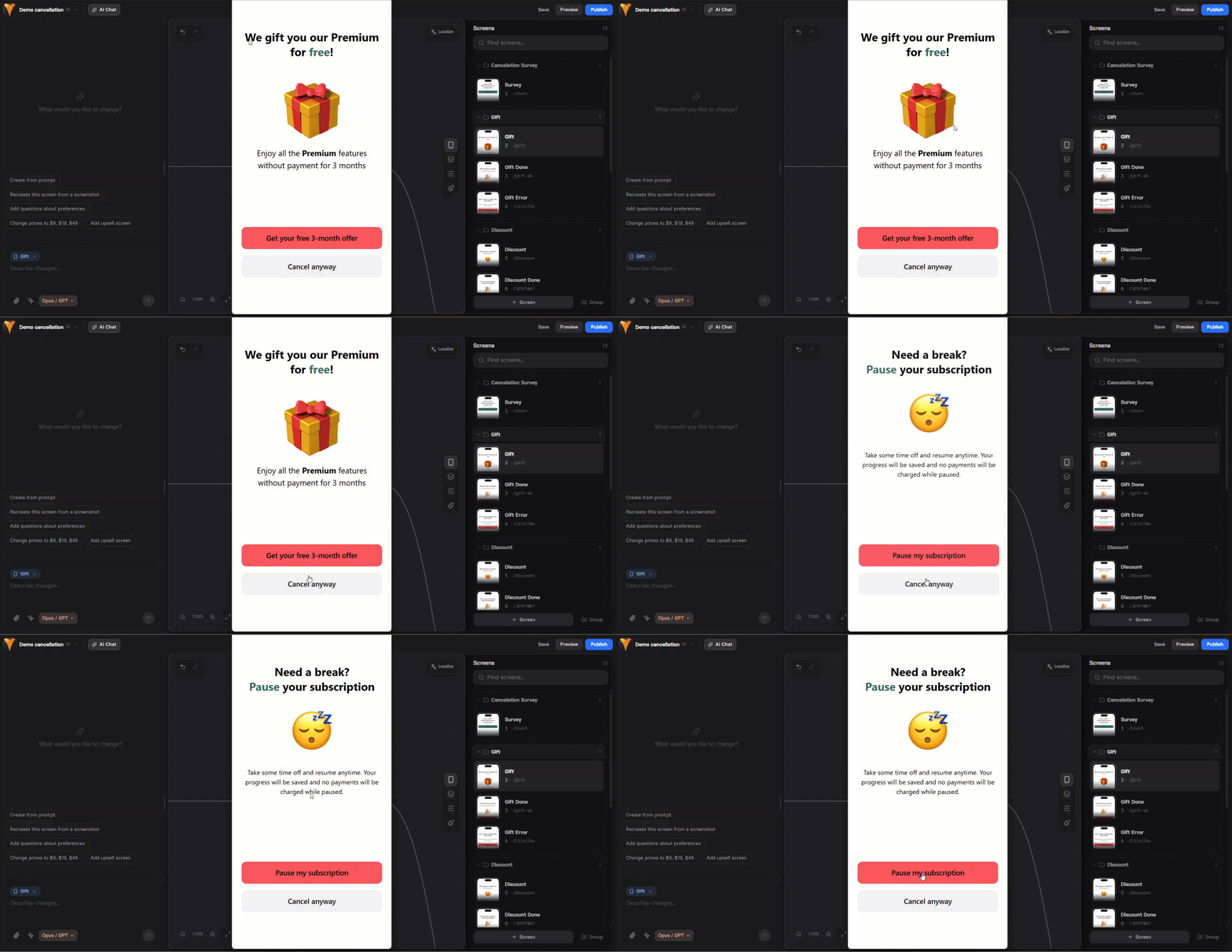
- Swap subscription: Offer a discounted alternative instead of complete cancellation. Learn about subscription swap flow.
- Gift free period: Select a period to extend their current billing cycle for free. This gives you time to demonstrate value before the next charge.
- Pause subscription: Temporarily suspend access and stop billing while maintaining the customer relationship.
- Cancel subscription: If retention fails, process the cancellation gracefully. Cancels all of the customer’s subscriptions with the same payment provider.
- Resume subscription: Paused subscriptions can be resumed at any time.
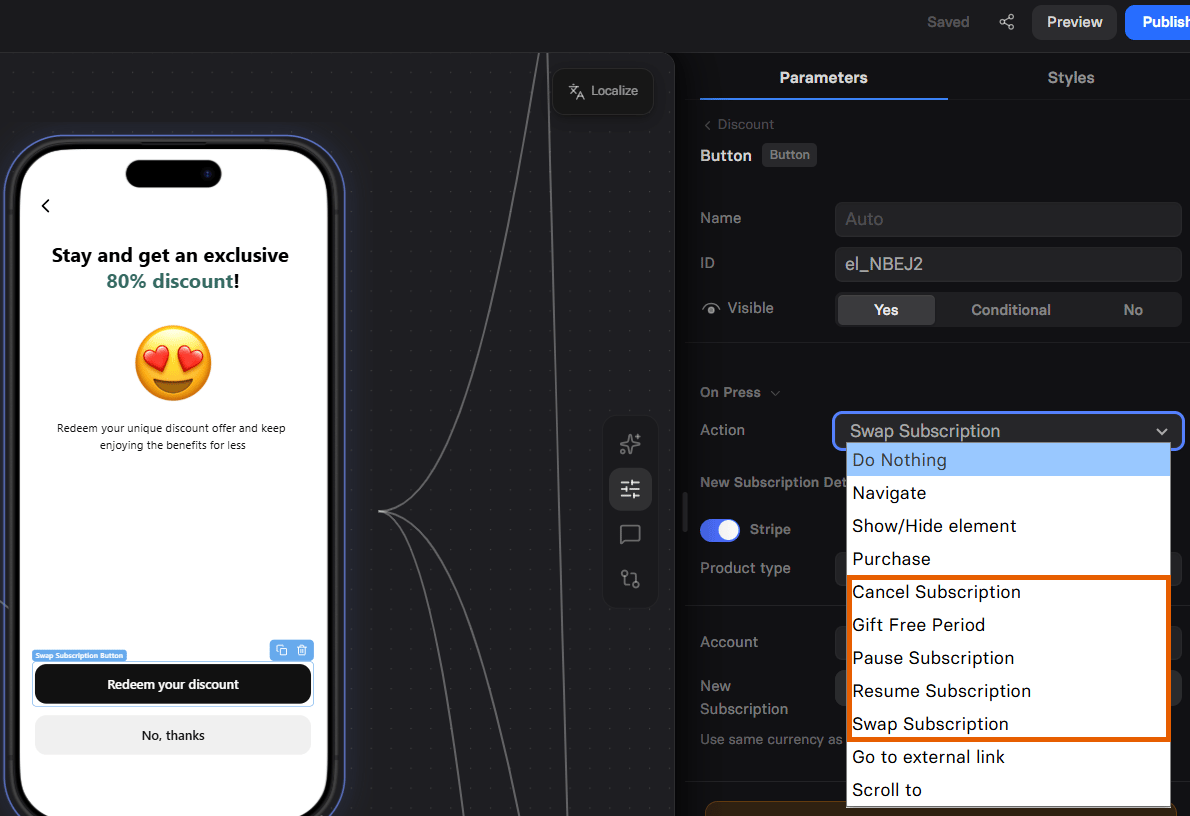
How cancellation funnels work
Cancellation funnels work with Stripe, Paddle, Solidgate, and FunnelFox Billing subscriptions only. You can configure how the payment provider processes subscription swaps or cancellations directly in the Editor when editing actions. When a customer enters the funnel with their profile ID, FunnelFox loads their subscriptions across all organization projects and uses the payment provider from their original purchase. When the customer takes an action, the payment provider applies your configuration and syncs with the . Swap, pause, and gift free period affect the most recently purchased active or trialing subscription; cancel affects all of them. For example, pausing a Stripe subscription immediately appears in:- In subscription status on the FunnelFox Subscriptions page.
- In subscription status on Stripe Dashboard.
Subscription swap
If you’d like to offer customers a discounted alternative instead of a full cancellation, you can configure a subscription swap. Because payment providers handle this differently, the resulting flow depends on which provider you use:- Stripe
- Paddle
- Solidgate
- FunnelFox Billing
You can offer a subscription swap even if the new subscription belongs to a different Stripe account integrated with FunnelFox.When customer activates a discount (swaps subscription):For example:
1
Seamless transition
Their current subscription keeps running until the end of the current billing period (or trial, if they’re trialing).
2
At period end, the current subscription ends
Stripe cancels the current subscription automatically at that time.
3
The new subscription starts right after
As soon as the old one ends, Stripe activates the new subscription (or starts the new plan’s trial, if it has one).
4
Billing happens for the new plan when it starts
The customer is charged for the new plan when it becomes active.
If the new plan includes a paid trial, Stripe charges the trial payment at the moment of the swap (even though the plan/trial starts at period end).
- Current paid period: September 1–30,
$20/month. - Subscription swap: September 23.
- Monthly price of new plan:
$10.
- Sep 23 - Sep 30: the customer stays on the
$20/monthsubscription (no change, no interruption). - On Oct 1:
- The
$20/monthsubscription is canceled. - The
$10/monthsubscription becomes active. - The customer is billed
$10.
- The
Cancel subscription
Cancel subscription cancels all of the customer’s subscriptions with the payment provider from their original purchase, not just the most recent one. Cancellation behavior is consistent for Stripe and Paddle, but differs slightly for Solidgate cancellation funnels.- Stripe / Paddle / FunnelFox Billing
- Solidgate
Any canceled subscription runs until the end of the current paid period.
Subscription condition
Use the Subscription visibility condition to show content based on whether FunnelFox finds the customer’s subscription.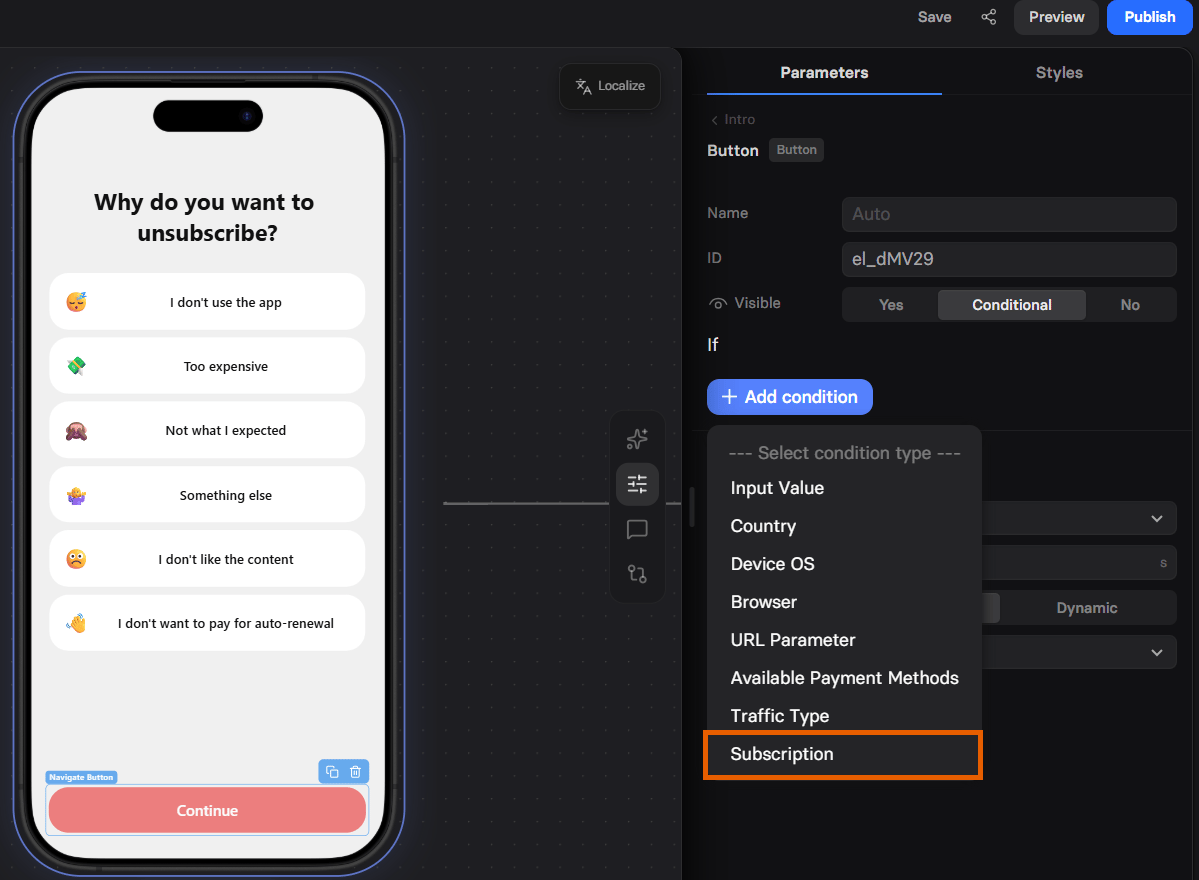
FunnelFox returns Not found when:
- The customer has no subscription.
- The
vendor_subscription_idin the access link matches no subscription. - FunnelFox can’t load the subscription, for example because of a network error.
- If the access link includes
vendor_subscription_id, FunnelFox checks that subscription. - Otherwise, FunnelFox picks one in this order: renewing active or trialing, active or trialing with a scheduled cancellation, paused, overdue, then cancelled or expired.
FunnelFox checks the subscription once per funnel visit. If the customer
pauses or cancels inside the funnel, conditions and variables on later
screens still show the original data.
Show subscription details
Use subscription variables to show the customer’s plan on any screen. For example:Customer access link
To access a cancellation funnel, the customer must be identified. FunnelFox directs customers into a specific cancellation flow when you pass their profile ID (fpid) as a query parameter:- Customers page - Listed in the ID column of the customers list
- Webhook events - Sent as
profile.id - Subscription integrations - User attributes, such as Profile ID in Adapty
- FunnelFox API - Use the Get profile endpoint