
- Pinterest tag event tracking
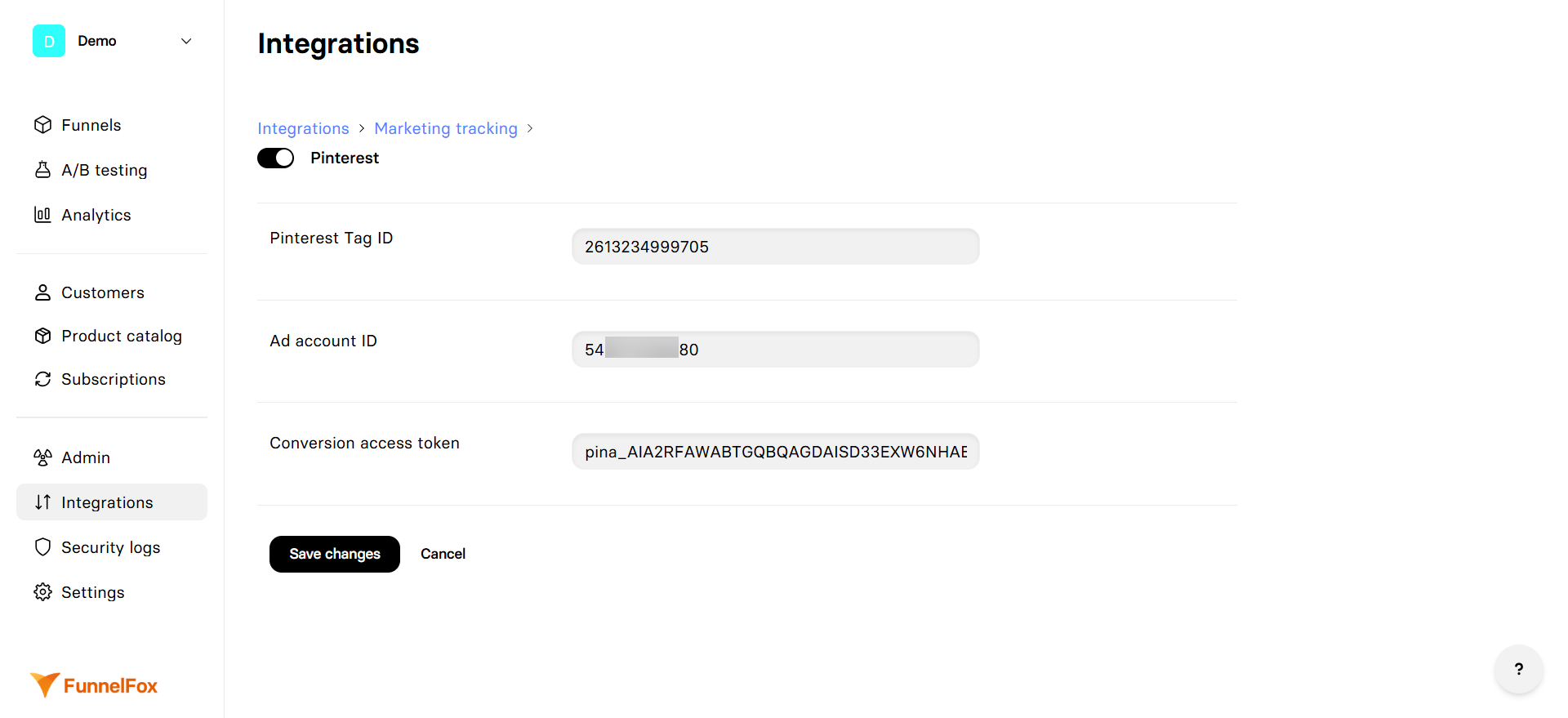
- Conversions API
Pinterest tag vs Conversions API
Here’s how these two tracking methods work:- Pinterest tag creates user identity on your funnel and tracks purchase, registration, and engagement events from the browser.
- Conversions API receives events from FunnelFox servers and checks if these events were already sent from the browser.
Conversions API is an addition to Pinterest tag that we highly
recommend for complete event coverage. Learn more in the
Pinterest documentation on Conversions API.
Use Conversions API
Conversions API acts as a backup when browser tracking fails or gets blocked. Here’s a common example: When someone buys your product through PayPal, they complete the purchase on PayPal’s website, not on your funnel. Some browsers (especially mobile app browsers) can’t track this properly, so you might miss theCheckout event.
Conversions API solves this problem. When FunnelFox servers get the
transaction details from PayPal, they automatically send a Checkout
event to Pinterest using Conversions API. This way, you never miss
important conversion data.