
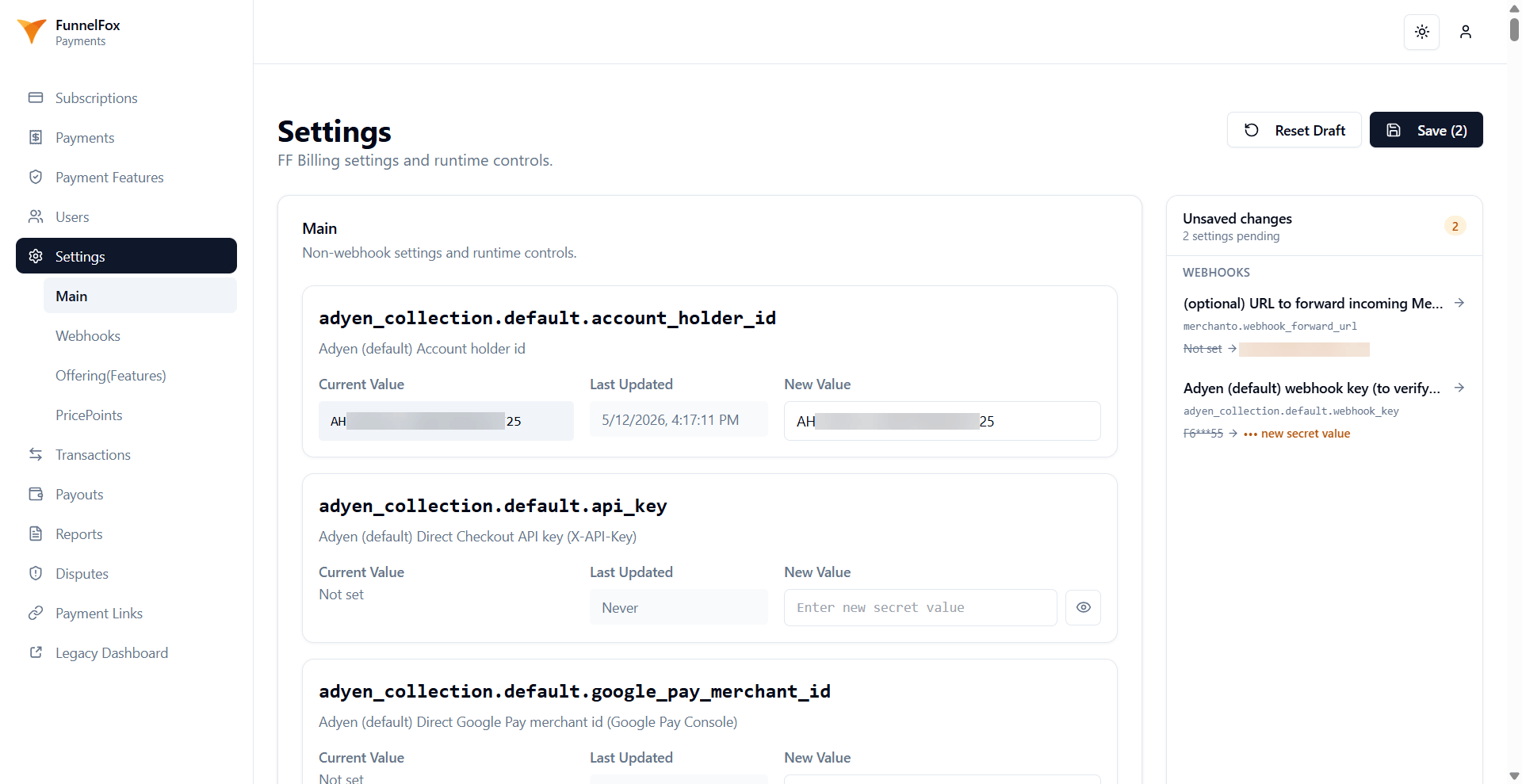
Payment provider credentials
These blocks connect FunnelFox Payments to your accounts. Set them up with your Solutions manager.Stripe
Primer
Primer needs all three of the domain, the private key, and the webhook signing secret set together to work. The webhook signing secret lives on the Settings > Webhooks.Airwallex
API keys
API keys let external callers authenticate to the FunnelFox Payments API. Two key slots are available (first and second), each with the same fields.
Checkout page fields
Control which fields appear on the checkout page. Country rules can still override the final visibility of some fields. Learn more about payment metadata and collecting email from Apple Pay.funnel_checkout_field_overrides carves out exceptions for individual funnels,
keyed by the funnel ID from the Funnels page. Only the
keys you write take effect: a key you leave out keeps the organization value,
false hides a field even when the organization setting is on, and a country
you list replaces the organization rule for that country in full.
For funnels
built in FunnelFox, the Checkout element toggles overrule
show_cardholder_name_field and show_email_field, so set the postal-code and
country fields here.
Apple Pay
Configure how the Apple Pay sheet appears and behaves.apple_pay_merchant_name
and apple_pay_ordered_card_networks apply to Primer only.
Double-purchase prevention
Subscription retries
Control how FunnelFox Payments retries failed subscription charges. Learn more about Payment retries.Delayed capture
Hold an authorized payment for a set time before capturing the funds. A cancellation before capture costs nothing, while a refund after capture is a real money movement. Learn more about Delayed payment capture.Free trial
Decline classification
FunnelFox Payments sorts payment declines into two types. A hard decline cancels auto-renew and stops retries. A soft decline keeps retrying on the dunning schedule.Rate limits
Caps that protect against runaway actions, plus a sandbox-only testing knob. The refund limit is also referenced from Refunds.Tax
Control how tax is calculated at checkout. You turn tax on per country in Taxes > Locations. Learn more about FunnelFox Payments Taxes.Statement descriptor
The statement descriptor is the text your customer sees next to the charge on their card statement. This setting is the organization-wide fallback, used by every Price Point that has no descriptor of its own. FunnelFox Payments reads it at charge time, so a change applies immediately to new purchases on those Price Points and to renewals of existing subscriptions. Learn more about the billing descriptor.Custom charges
Configure charges made for an amount set in the API call. Learn more about custom charges.FunnelFox enables custom charges for your organization, so
one_off_charge_enabled
is not yours to set. Changing the descriptor or description applies to new
charges only, and completed charges keep the values they were made with.