
Retries
Re-charge failed renewals on a schedule, with grace periods and partial
charges.
Payment cascading
Route a failed payment to a backup processor before any retry runs.
Adaptive 3DS
Recover card payments that need authentication without adding friction to
every checkout.
Retries
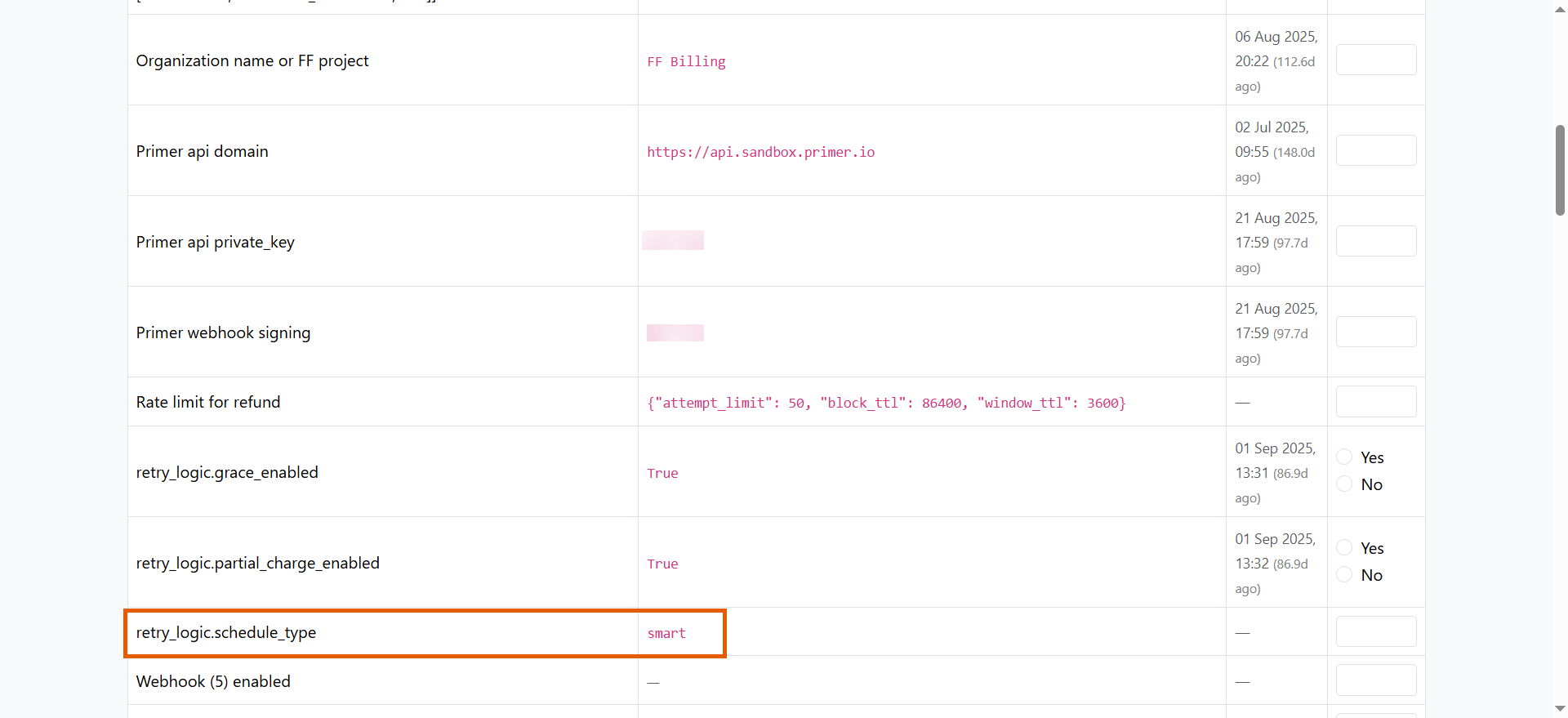
When a subscription renewal payment fails, FunnelFox Payments automatically charges the fallback with cascade payment, then retries charging the customer. This happens at approximately the user’s original payment time. Automatic retries help preserve subscriptions and reduce revenue churn. Each recovered subscription continues generating revenue without manual intervention. FunnelFox Payments offers two retry schedules:The retry logic is configurable per merchant.
Smart retries
Smart retries use a longer schedule with more attempts and partial charge options. This schedule adapts based on the subscription interval length. Subscriptions with 7-day intervals or less:- Day 0 (billing problem detected): Activate grace period
- Day 2: Partial charge (70%)
- Day 7: Partial charge (50%)
- Day 0 (billing problem detected): Activate grace period
- Day 2: Full charge
- Day 7: Full charge, deactivate grace period
- Day 12: Partial charge (70%)
- Day 20: Partial charge (50%)
- Day 0 (billing problem detected): Activate grace period
- Day 2: Full charge
- Day 7: Full charge, deactivate grace period
- Day 12: Full charge
- Day 22: Partial charge (70%)
- Day 33: Partial charge (50%)
Short retries
Short retries use a faster schedule with fewer attempts. This schedule is more aggressive and resolves billing issues faster. Subscriptions with 7-day intervals or less:- Day 0 (billing problem detected): Activate grace period
- Day 2: Partial charge (70%)
- Day 0 (billing problem detected): Activate grace period
- Day 7: Partial charge (70%), deactivate grace period
- Day 20: Partial charge (50%)
- Day 0 (billing problem detected): Activate grace period
- Day 7: Full charge, deactivate grace period
- Day 15: Partial charge (70%)
- Day 33: Partial charge (50%)
Payment cascading
Payment cascading immediately routes failed payments to backup payment processors even before retry attempts. Your revenue gets recovered while your customer gets a seamless experience. Fallback PSP helps protect your revenue in several scenarios:- Technical failures: Your primary processor (Stripe, Adyen, Checkout.com, or others) experiences downtime or technical issues.
- Account restrictions: Your primary processor temporarily blocks or limits your account.
- Processing errors: The primary processor returns gateway errors or other processing failures.