> ## Documentation Index
> Fetch the complete documentation index at: https://funnelfox.com/docs/llms.txt
> Use this file to discover all available pages before exploring further.
# Snapchat Pixel
> Track funnel events and optimize ad campaigns with Snapchat Pixel
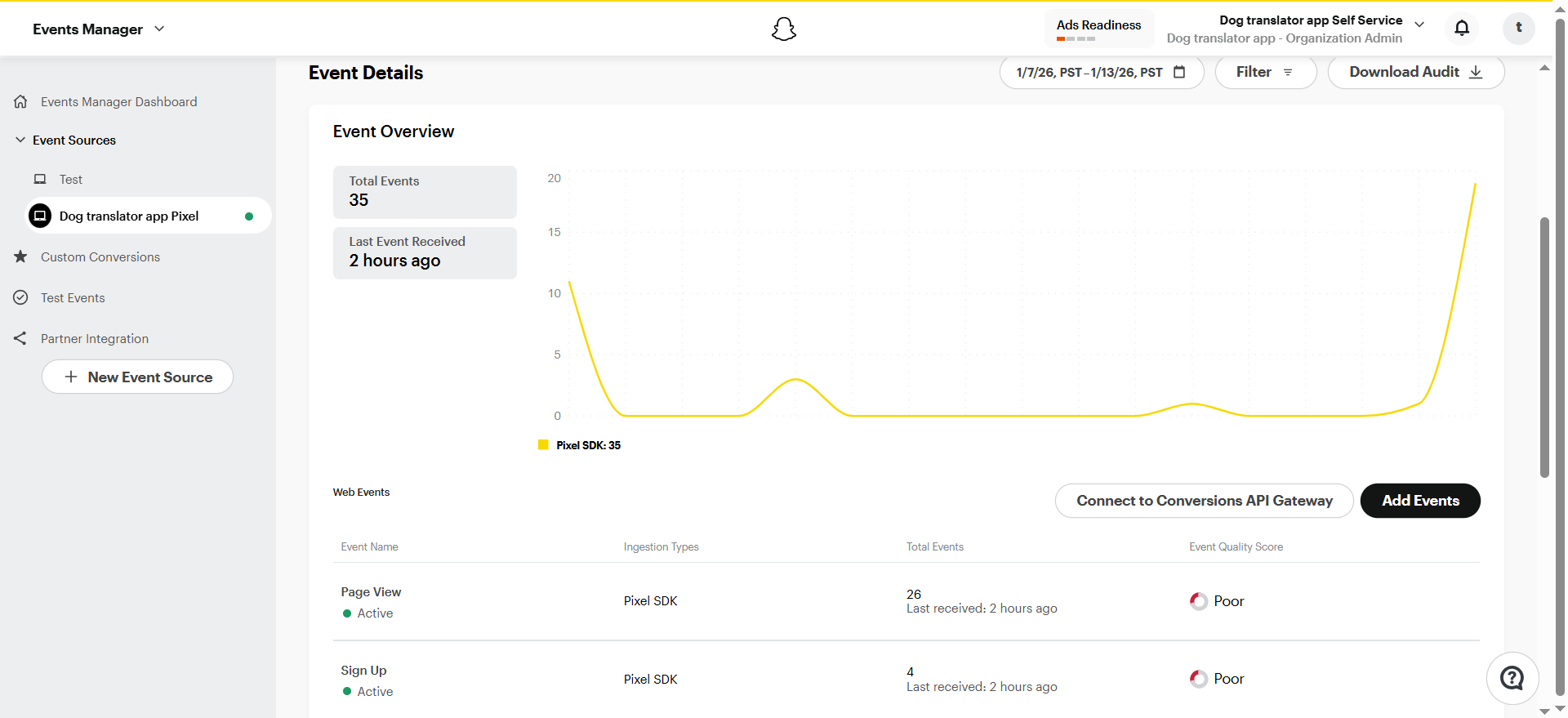
The Snapchat Pixel integration sends funnel events to Snap Events Manager. Use these events to measure conversions, build audiences, and optimize your Snapchat campaigns.
 ## How it works
Snap Pixel is a JavaScript snippet that loads on your funnel pages and tracks visitor actions. Events are sent from the visitor's browser directly to Snapchat, where they appear in Events Manager for attribution and reporting.
FunnelFox sends events using the client-side Snap Pixel. Snapchat Conversions API is not currently supported.
Learn more about [Snap Pixel](https://businesshelp.snapchat.com/s/article/snap-pixel-about?language=en_GB).
## Tracked events
| Event | Pixel trigger |
| ---------------- | ---------------------------------------------------------- |
| `Page View` | User navigated to a new screen |
| `Sign Up` | User provided their email or completed a registration step |
| `Start Checkout` | User viewed the checkout element |
| `Purchase` | User completed checkout, including free trials |
## Next steps
* [Set up Snapchat Pixel integration](/integrations/tracking/set-up-snapchat-pixel)
## How it works
Snap Pixel is a JavaScript snippet that loads on your funnel pages and tracks visitor actions. Events are sent from the visitor's browser directly to Snapchat, where they appear in Events Manager for attribution and reporting.
FunnelFox sends events using the client-side Snap Pixel. Snapchat Conversions API is not currently supported.
Learn more about [Snap Pixel](https://businesshelp.snapchat.com/s/article/snap-pixel-about?language=en_GB).
## Tracked events
| Event | Pixel trigger |
| ---------------- | ---------------------------------------------------------- |
| `Page View` | User navigated to a new screen |
| `Sign Up` | User provided their email or completed a registration step |
| `Start Checkout` | User viewed the checkout element |
| `Purchase` | User completed checkout, including free trials |
## Next steps
* [Set up Snapchat Pixel integration](/integrations/tracking/set-up-snapchat-pixel)