> ## Documentation Index
> Fetch the complete documentation index at: https://funnelfox.com/docs/llms.txt
> Use this file to discover all available pages before exploring further.
# Themes & global styles
> Customize funnel themes in FunnelFox. Set global colors, fonts, button styles, and consistent branding across all screens.
Themes let you define a consistent look for all funnel screens at once instead of tweaking the Style tab for each element on every screen.
You can reuse the same theme across all funnels in a project for consistent global design.
 ## How themes work
To speed up funnel design across your project:
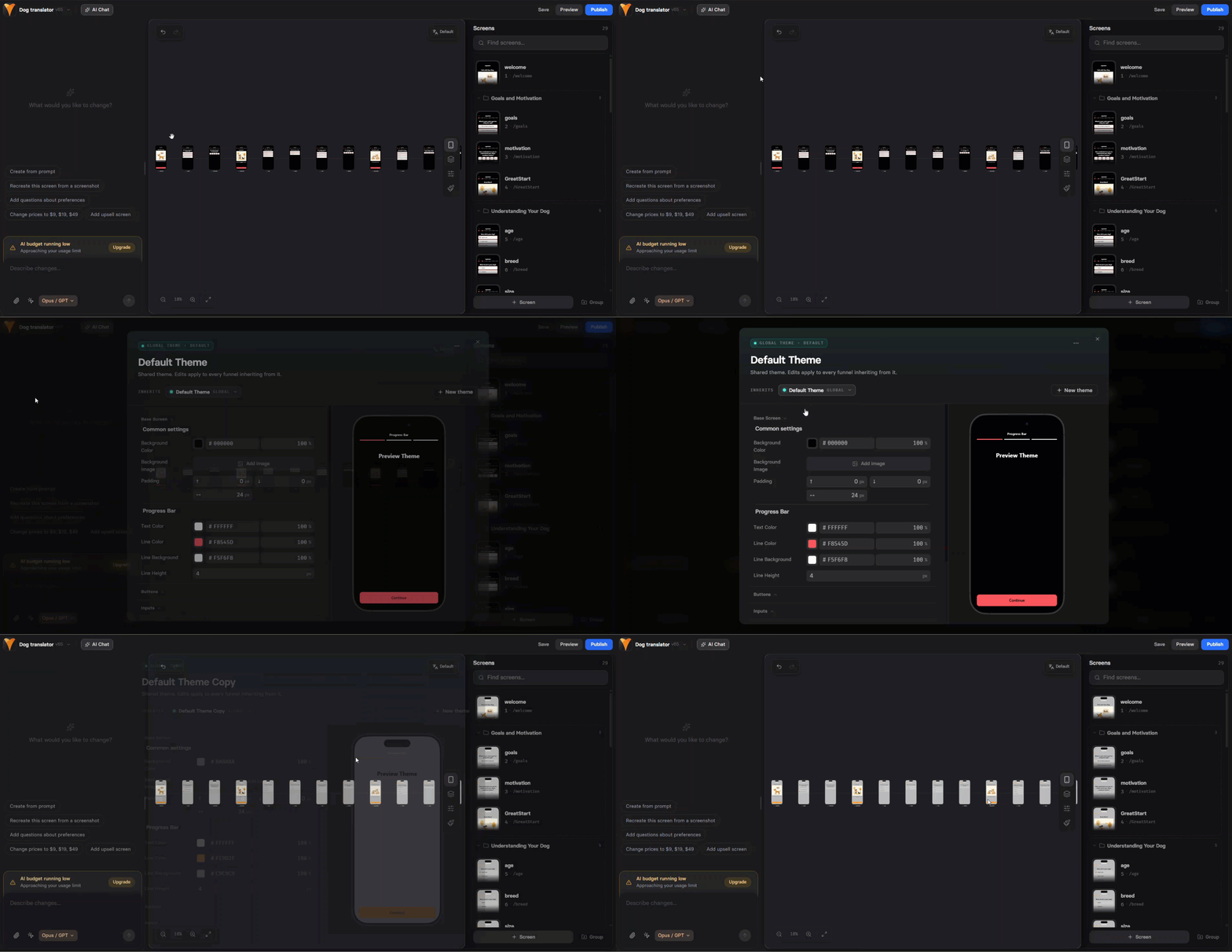
0. **Default theme**: When you open Global themes settings for the first time, you’ll be prompted to set up a default theme.
Any new funnels you create manually or with [AI Chat in Editor](/agentic-solution/overview#ai-chat-in-editor) will use this same default theme automatically.
You can edit or replace it at any time.
## How themes work
To speed up funnel design across your project:
0. **Default theme**: When you open Global themes settings for the first time, you’ll be prompted to set up a default theme.
Any new funnels you create manually or with [AI Chat in Editor](/agentic-solution/overview#ai-chat-in-editor) will use this same default theme automatically.
You can edit or replace it at any time.
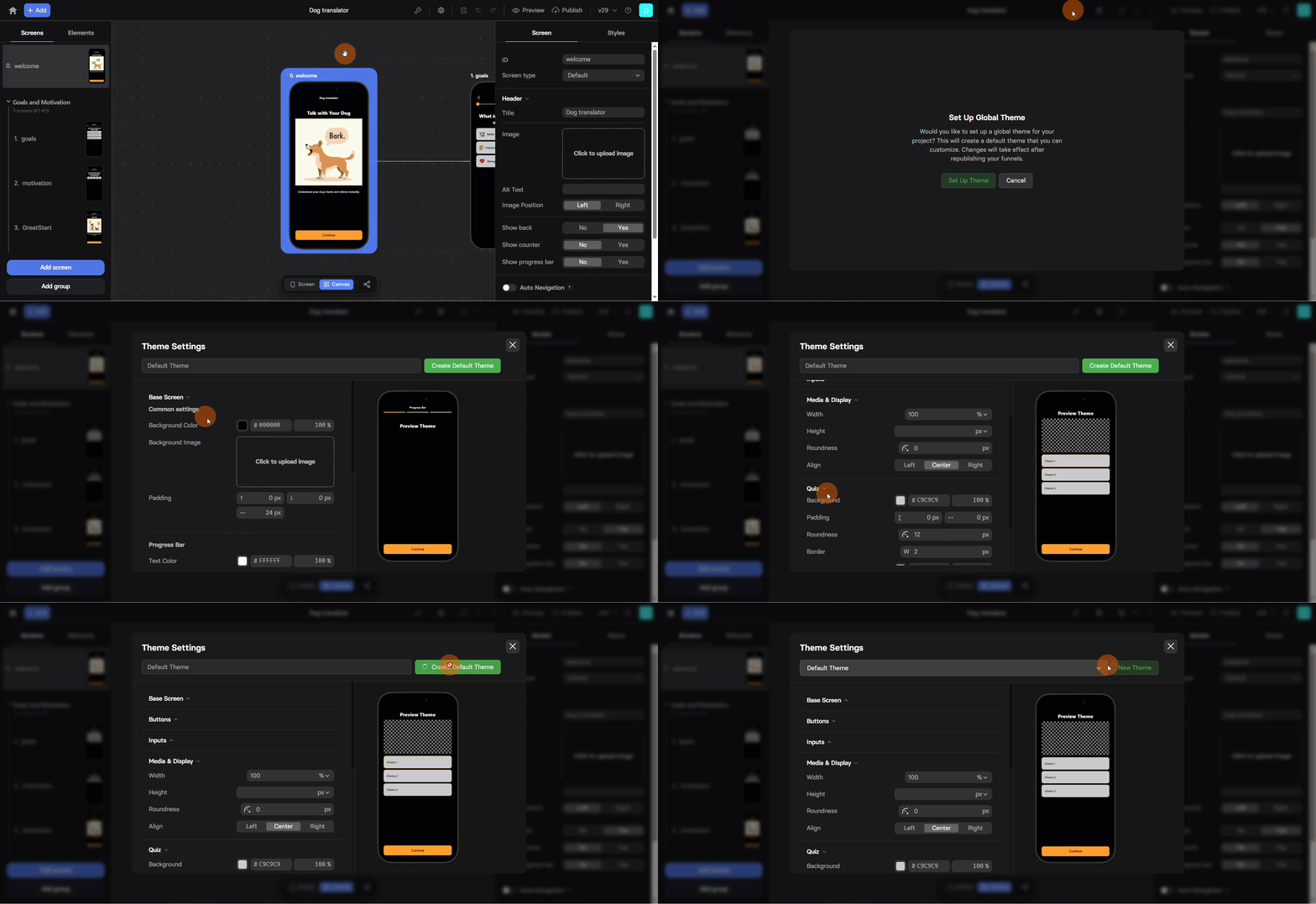 1. [Create new theme](/editor/themes#create-theme): Define your design by setting styles for all theme elements. You can create multiple themes for different products or campaigns.
2. [Apply theme](/editor/themes#apply-theme): All elements in the funnel will inherit the theme's styles automatically.
3. [Override when needed](/editor/themes#theme-overrides): Make element-specific style adjustments without affecting the global theme.
While themes affect most **Style** tab settings available in the Editor, some settings aren’t included. Always review your funnel’s appearance after applying or editing a theme.
## Create theme
Once you create a funnel, it has a default theme applied. If you want to create another theme to be available across all project funnels:
1. Click the **Editor menu** at the top left and select **Themes**.
2. Click **New Theme**.
3. Name your theme.
4. Configure style settings for theme elements.
5. Click **Save New Theme**.
1. [Create new theme](/editor/themes#create-theme): Define your design by setting styles for all theme elements. You can create multiple themes for different products or campaigns.
2. [Apply theme](/editor/themes#apply-theme): All elements in the funnel will inherit the theme's styles automatically.
3. [Override when needed](/editor/themes#theme-overrides): Make element-specific style adjustments without affecting the global theme.
While themes affect most **Style** tab settings available in the Editor, some settings aren’t included. Always review your funnel’s appearance after applying or editing a theme.
## Create theme
Once you create a funnel, it has a default theme applied. If you want to create another theme to be available across all project funnels:
1. Click the **Editor menu** at the top left and select **Themes**.
2. Click **New Theme**.
3. Name your theme.
4. Configure style settings for theme elements.
5. Click **Save New Theme**.
 ## Edit theme
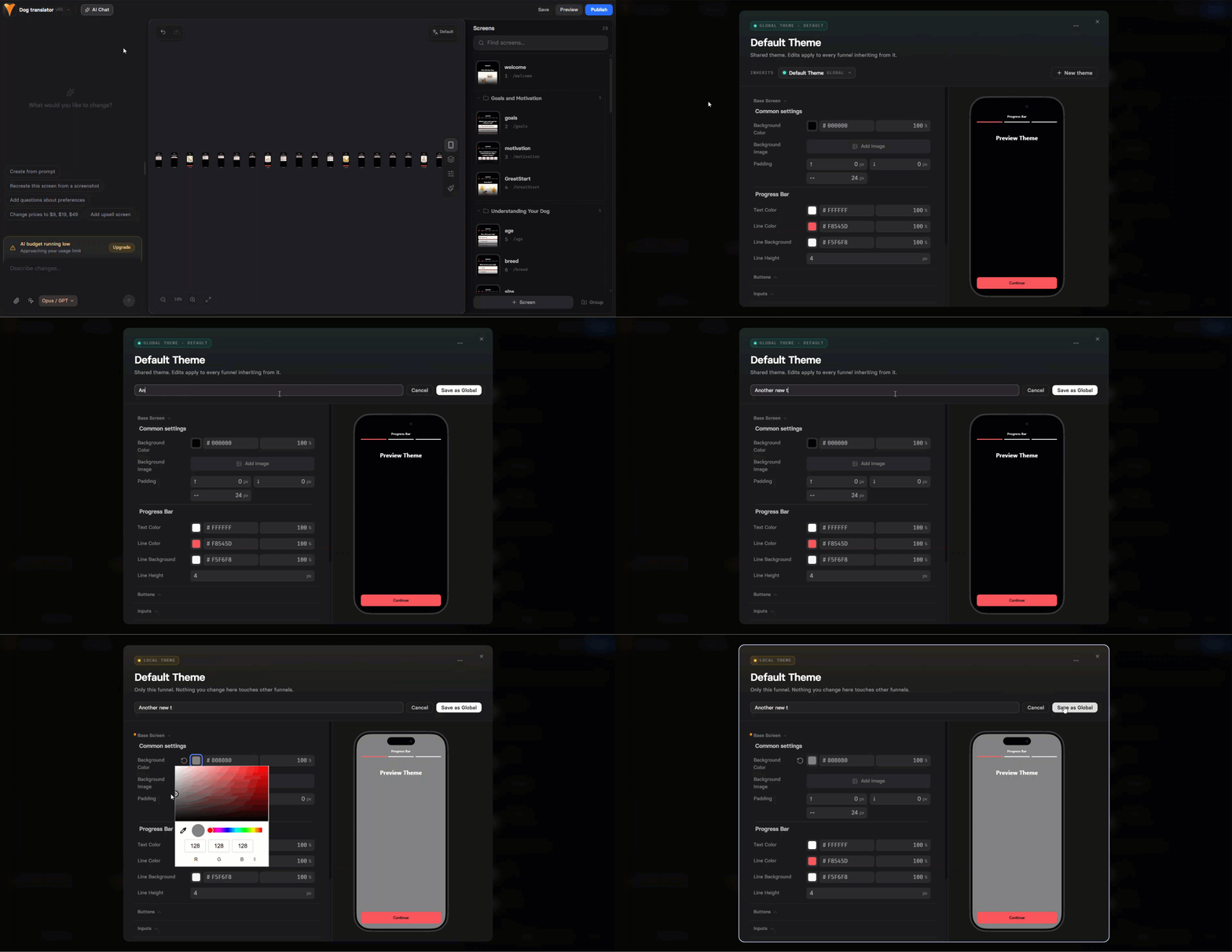
When you edit a theme, the update takes place globally across all project funnels:
Editing a theme updates the look of all elements across your project funnels where this theme is applied, except for those elements with [overrides](/editor/themes#theme-overrides).
1. Click the **Editor menu** at the top left and select **Themes**.
2. Configure style settings for theme elements.
3. Click **Update Theme**.
Republish the affected funnels for changes to take effect.
## Apply theme
Each theme in your project can be applied to any funnel:
1. Open the funnel in the Editor.
2. Click the Editor menu at the top left and select **Themes**.
3. Select a theme under the **Theme Settings**.
4. Close the **Theme Settings** popup.
5. Save and republish your funnel.
If you edit the theme while applying it, the changes will impact all project funnels with this theme applied.
## Theme overrides
You can have style settings for a specific element different from those set in the global theme.
You can also override your funnel screen CSS using [funnel-wide custom code](/editor/coding-funnel-wide).
To override the theme settings, edit the [Style tab](/editor/overview#styles) for the element directly.
When you override theme settings:
* The **Style** tab setting you override is marked with the ⚡ lightning icon.
## Edit theme
When you edit a theme, the update takes place globally across all project funnels:
Editing a theme updates the look of all elements across your project funnels where this theme is applied, except for those elements with [overrides](/editor/themes#theme-overrides).
1. Click the **Editor menu** at the top left and select **Themes**.
2. Configure style settings for theme elements.
3. Click **Update Theme**.
Republish the affected funnels for changes to take effect.
## Apply theme
Each theme in your project can be applied to any funnel:
1. Open the funnel in the Editor.
2. Click the Editor menu at the top left and select **Themes**.
3. Select a theme under the **Theme Settings**.
4. Close the **Theme Settings** popup.
5. Save and republish your funnel.
If you edit the theme while applying it, the changes will impact all project funnels with this theme applied.
## Theme overrides
You can have style settings for a specific element different from those set in the global theme.
You can also override your funnel screen CSS using [funnel-wide custom code](/editor/coding-funnel-wide).
To override the theme settings, edit the [Style tab](/editor/overview#styles) for the element directly.
When you override theme settings:
* The **Style** tab setting you override is marked with the ⚡ lightning icon.
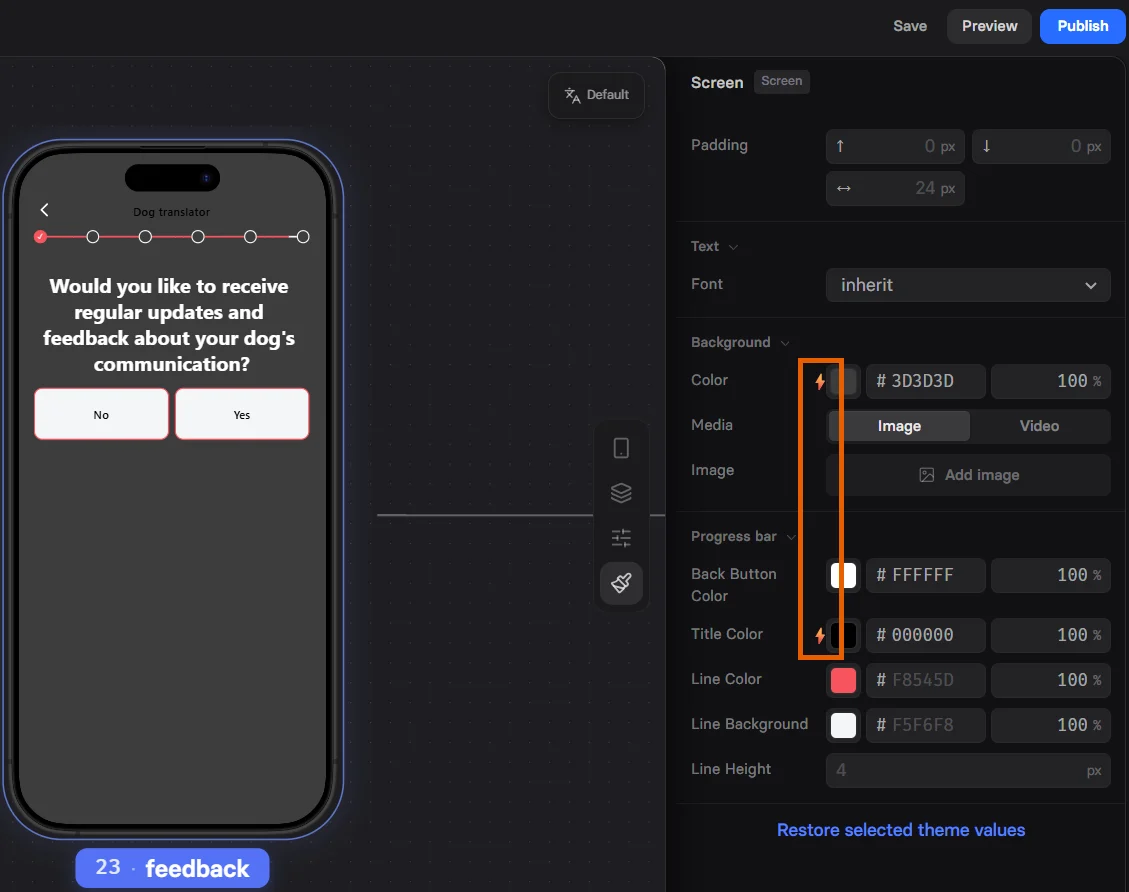 * You can click **Restore selected theme values** at the bottom of the element **Style** tab, if you want to remove overrides for it.
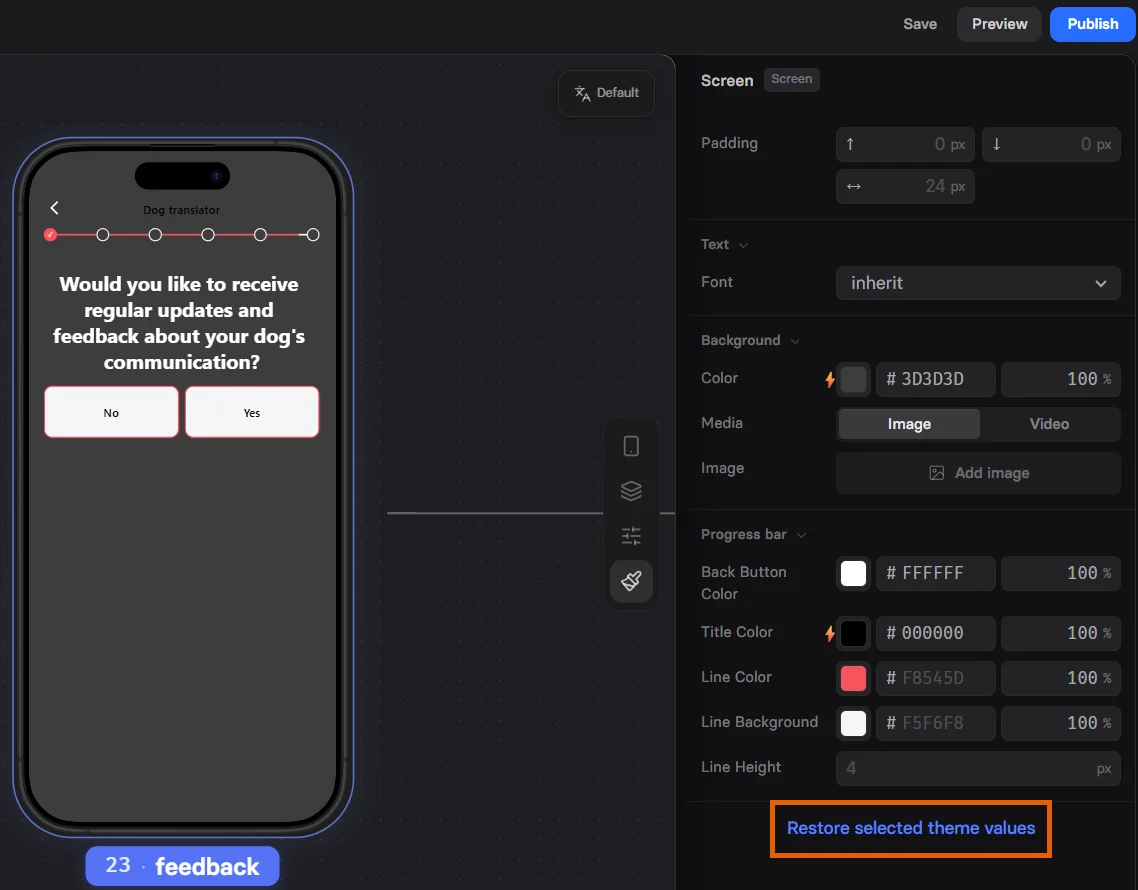 * Elements with overrides are not impacted by [theme edits](/editor/themes#edit-theme). They will keep their specific look despite theme changes.
* If you duplicate a screen with overrides or add a new one while the focused screen has overrides, the new screen will inherit those overrides automatically.
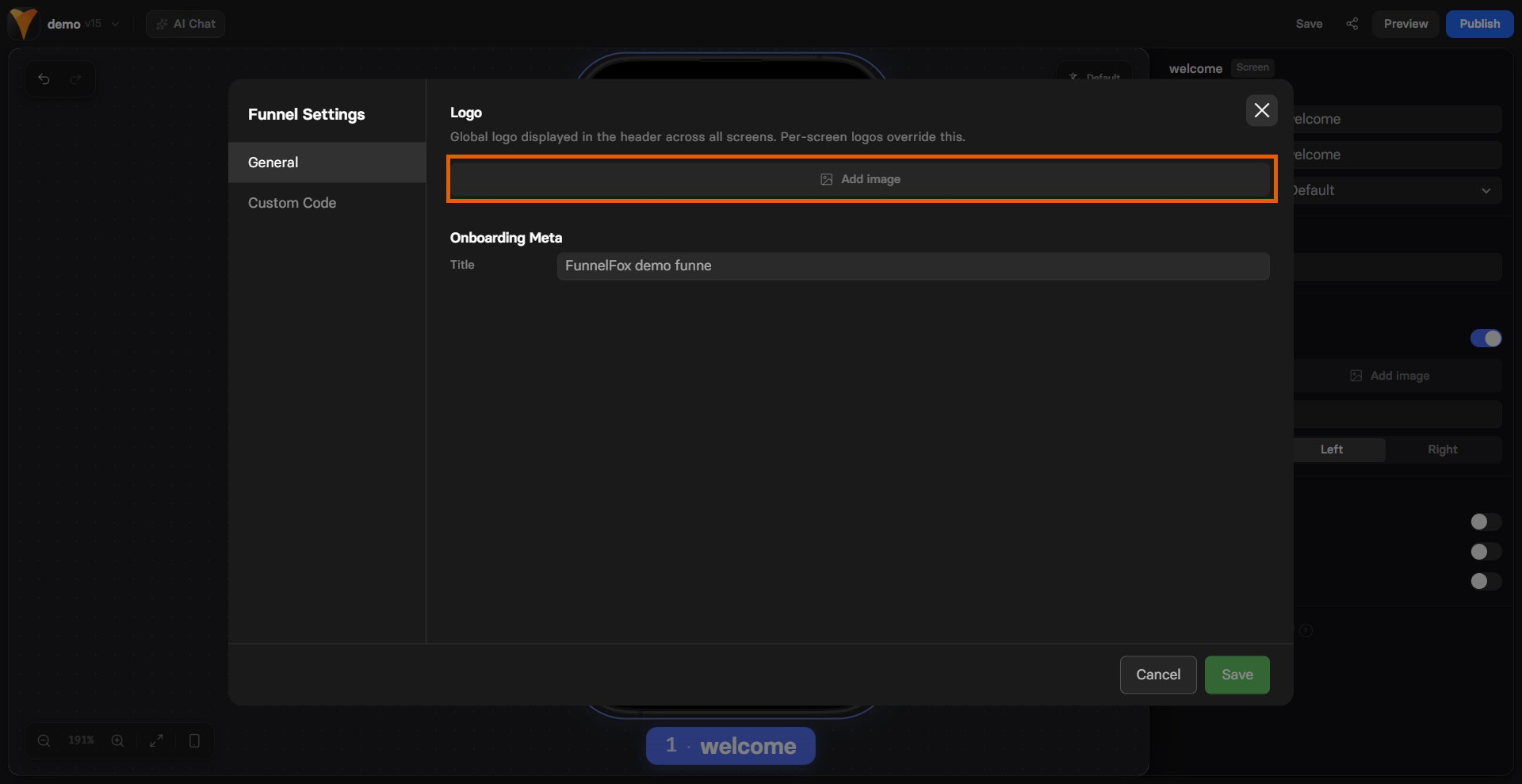
## Global logo
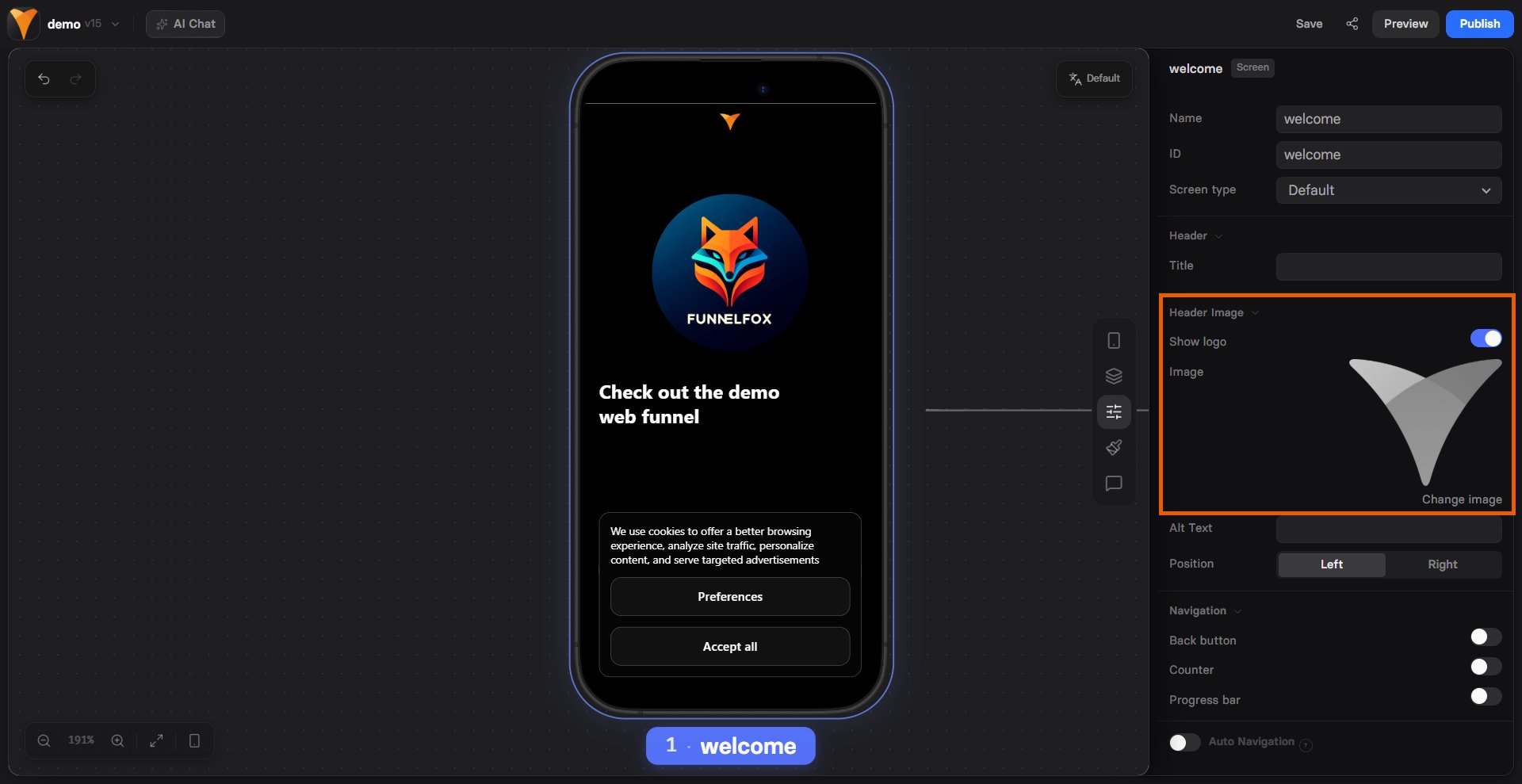
The global logo appears in the header across all funnel screens. Set it
once to keep consistent branding without adding a logo to each screen.
Per-screen logos override it.
* Elements with overrides are not impacted by [theme edits](/editor/themes#edit-theme). They will keep their specific look despite theme changes.
* If you duplicate a screen with overrides or add a new one while the focused screen has overrides, the new screen will inherit those overrides automatically.
## Global logo
The global logo appears in the header across all funnel screens. Set it
once to keep consistent branding without adding a logo to each screen.
Per-screen logos override it.
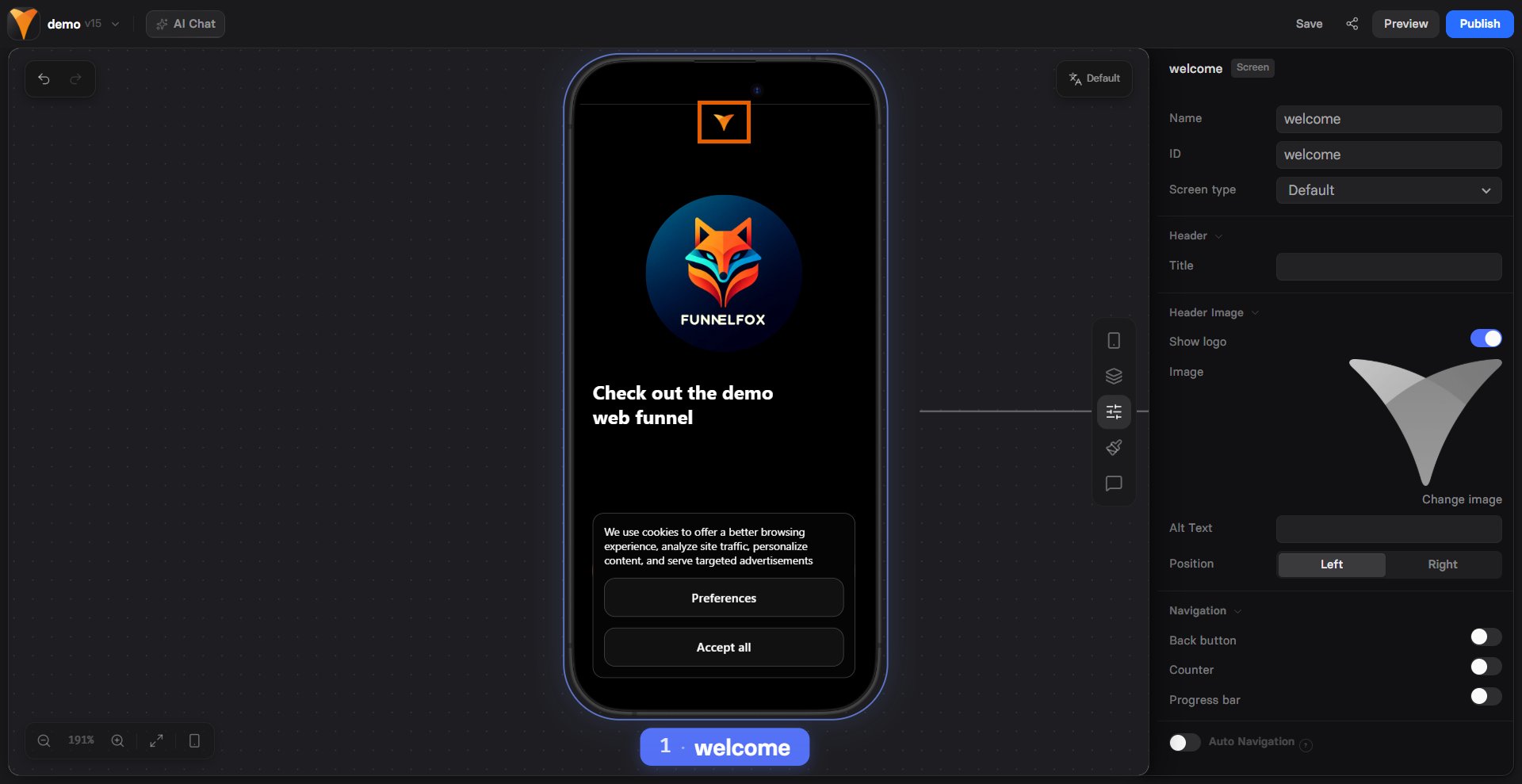 To set the global logo:
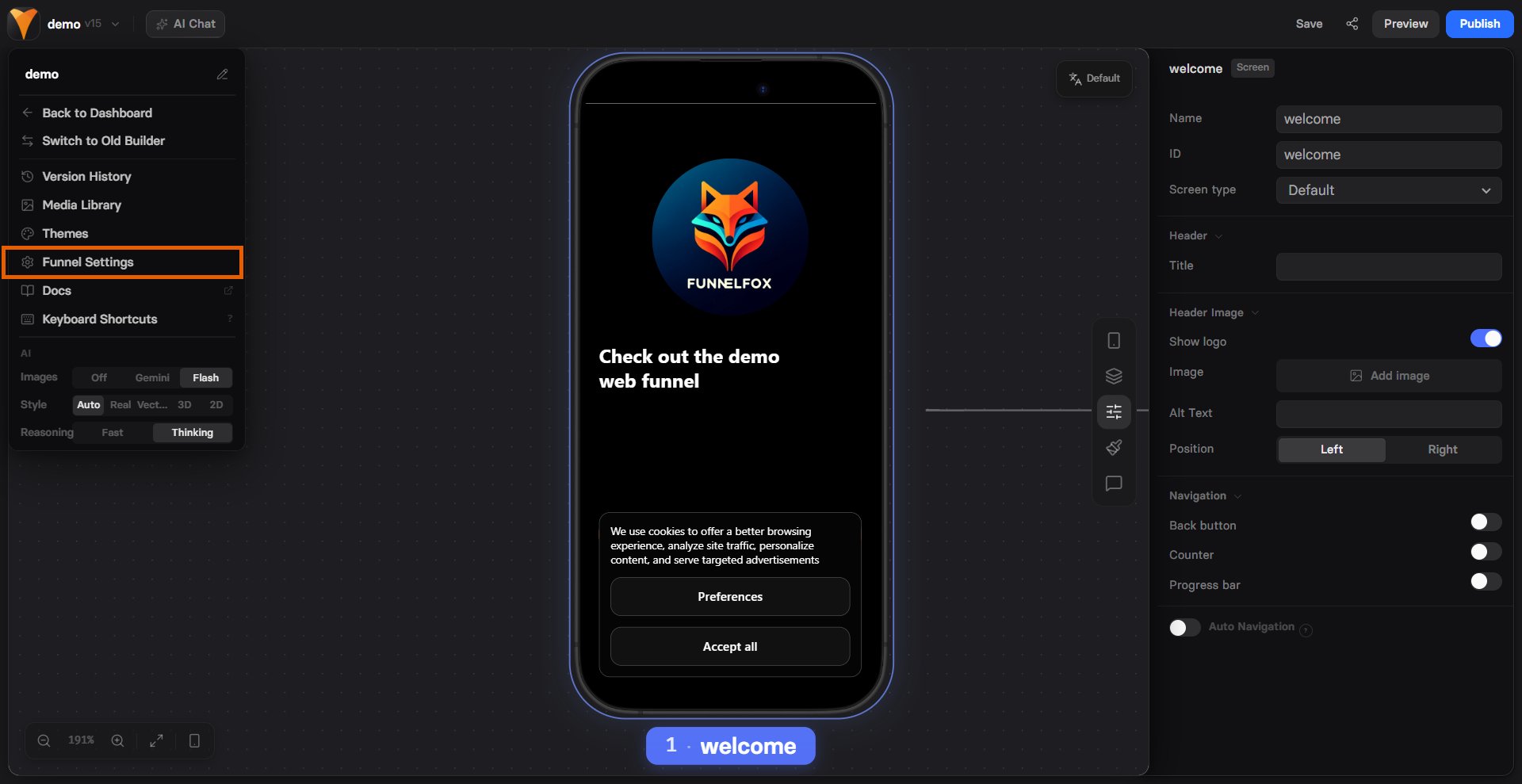
1. Click the dropdown with your funnel name at the top left and select
**Funnel Settings**.
To set the global logo:
1. Click the dropdown with your funnel name at the top left and select
**Funnel Settings**.
 2. Click **Add image** and select the logo to upload.
 To override the logo on a single screen or disable it, open that screen and set the logo
under [**Parameters**](/editor/overview#parameters) in the selector on the
right. The per-screen logo applies only to that screen.
To override the logo on a single screen or disable it, open that screen and set the logo
under [**Parameters**](/editor/overview#parameters) in the selector on the
right. The per-screen logo applies only to that screen.