> ## Documentation Index
> Fetch the complete documentation index at: https://funnelfox.com/docs/llms.txt
> Use this file to discover all available pages before exploring further.
# Experiments overview
> Learn how FunnelFox A/B experiments work and how to get started running them.
An experiment in FunnelFox is an A/B test. Each experiment has one URL, one control funnel, and one or more variant funnels. FunnelFox splits incoming traffic between those funnels according to the weights you configure.
## How experiments work
When a user visits the experiment URL, FunnelFox assigns them to a variant.
Every session, purchase, and event is recorded with the experiment context attached. This lets FunnelFox compute per-variant conversion rates, ARPU, and statistical metrics so you can see which funnel actually performs better.
The first variant in your experiment is always the **control** — the baseline everything else is measured against. All other variants are compared to it using statistical significance and power calculations.
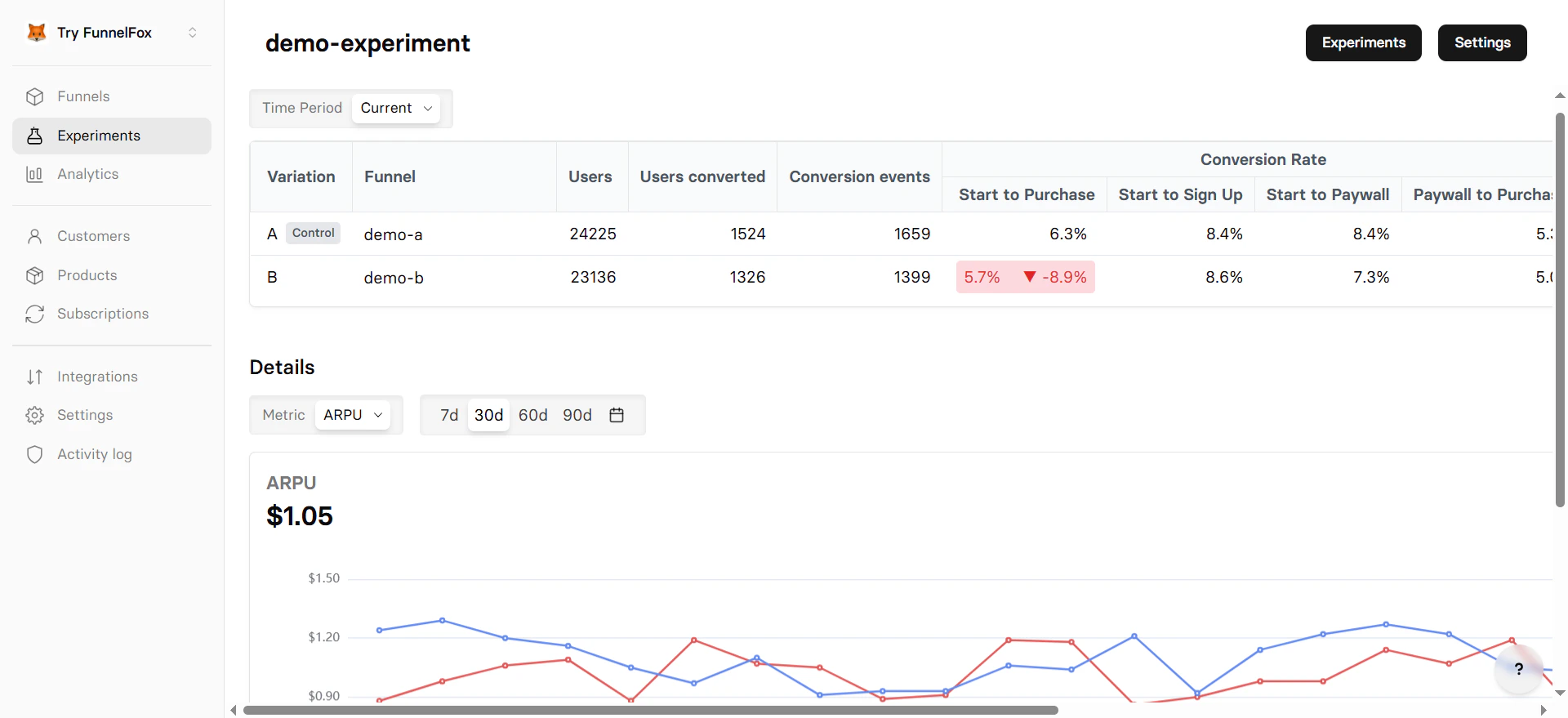 ### Experiments page
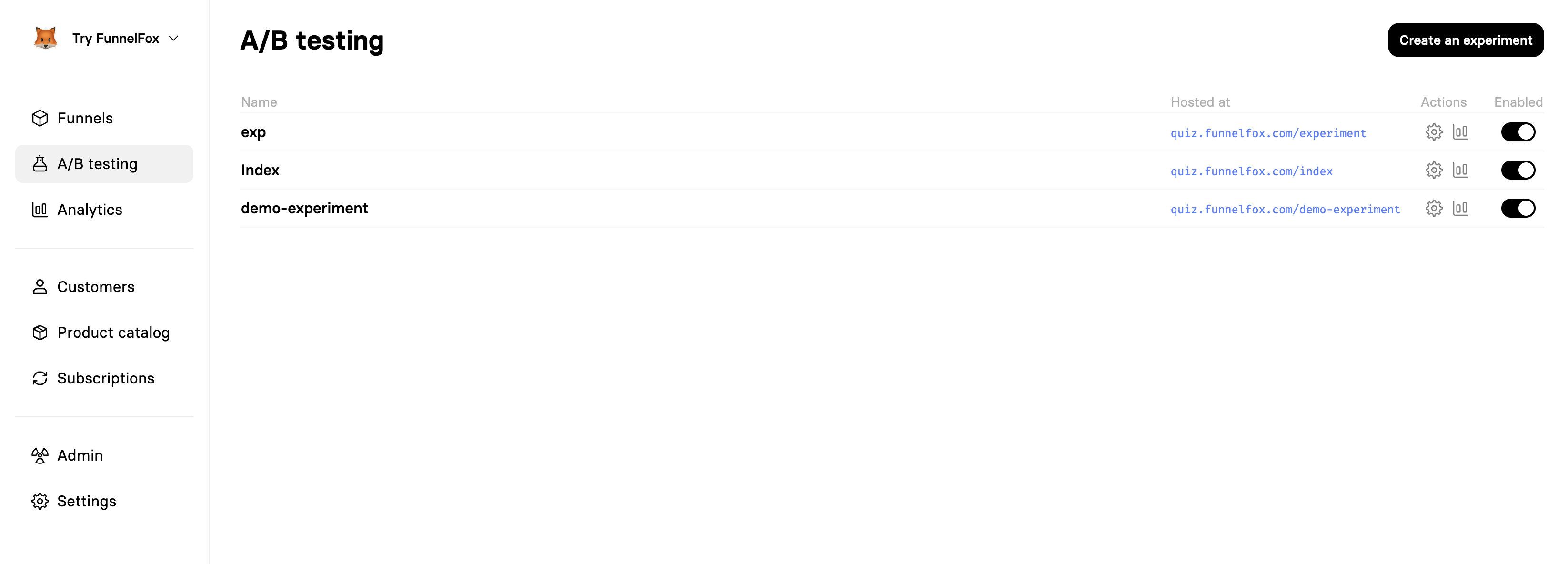
The [Experiments page](https://app.funnelfox.com/experiments) in the dashboard is where you manage all your tests. From there you can:
* View all your experiments and their current status
* Create a new experiment
* Enable or pause a running experiment
* Open the analytics overview for any experiment
### Experiments page
The [Experiments page](https://app.funnelfox.com/experiments) in the dashboard is where you manage all your tests. From there you can:
* View all your experiments and their current status
* Create a new experiment
* Enable or pause a running experiment
* Open the analytics overview for any experiment
 ## Get started
Ready to run your first test? The next guide walks you through creating an experiment step by step.
Set up your first A/B test — choose funnels, configure traffic split, and launch.
## Get started
Ready to run your first test? The next guide walks you through creating an experiment step by step.
Set up your first A/B test — choose funnels, configure traffic split, and launch.